One upload · ten frames
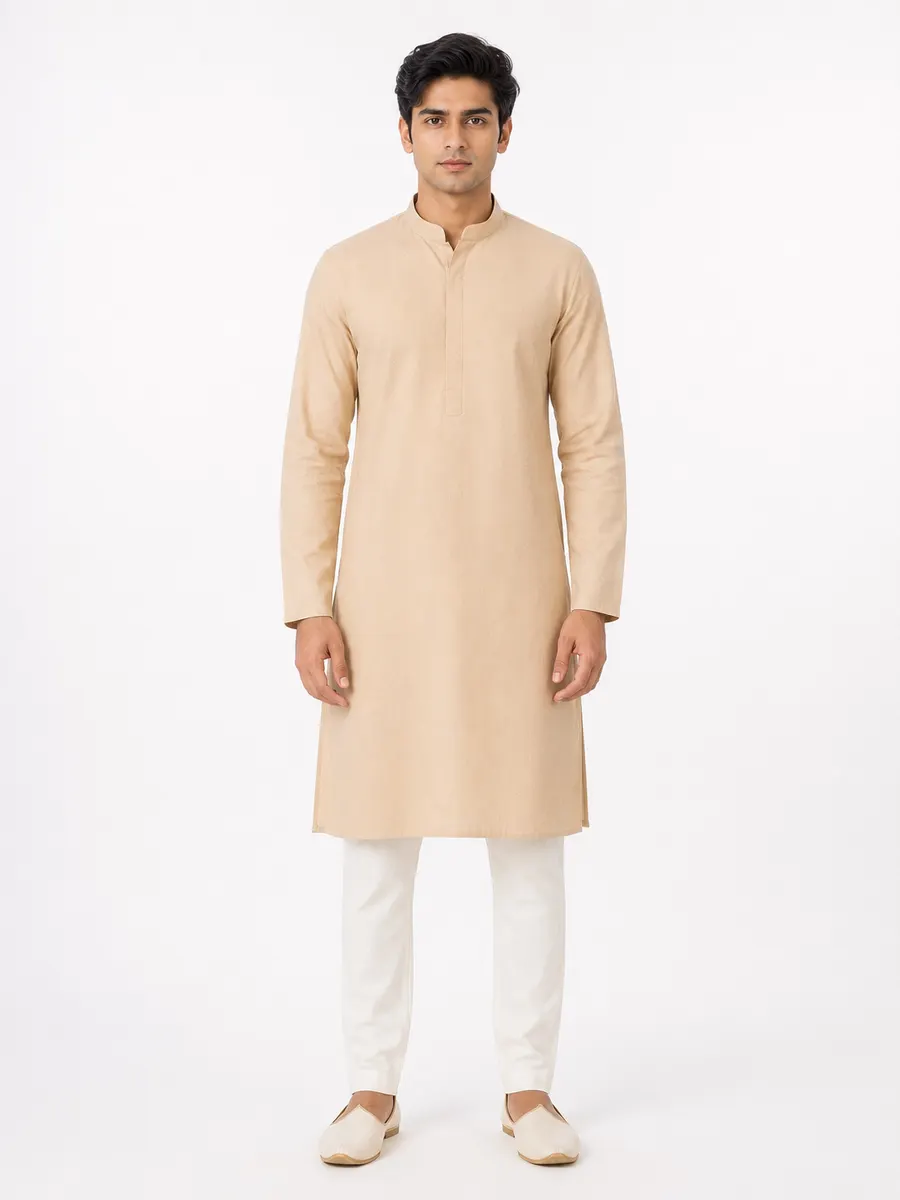
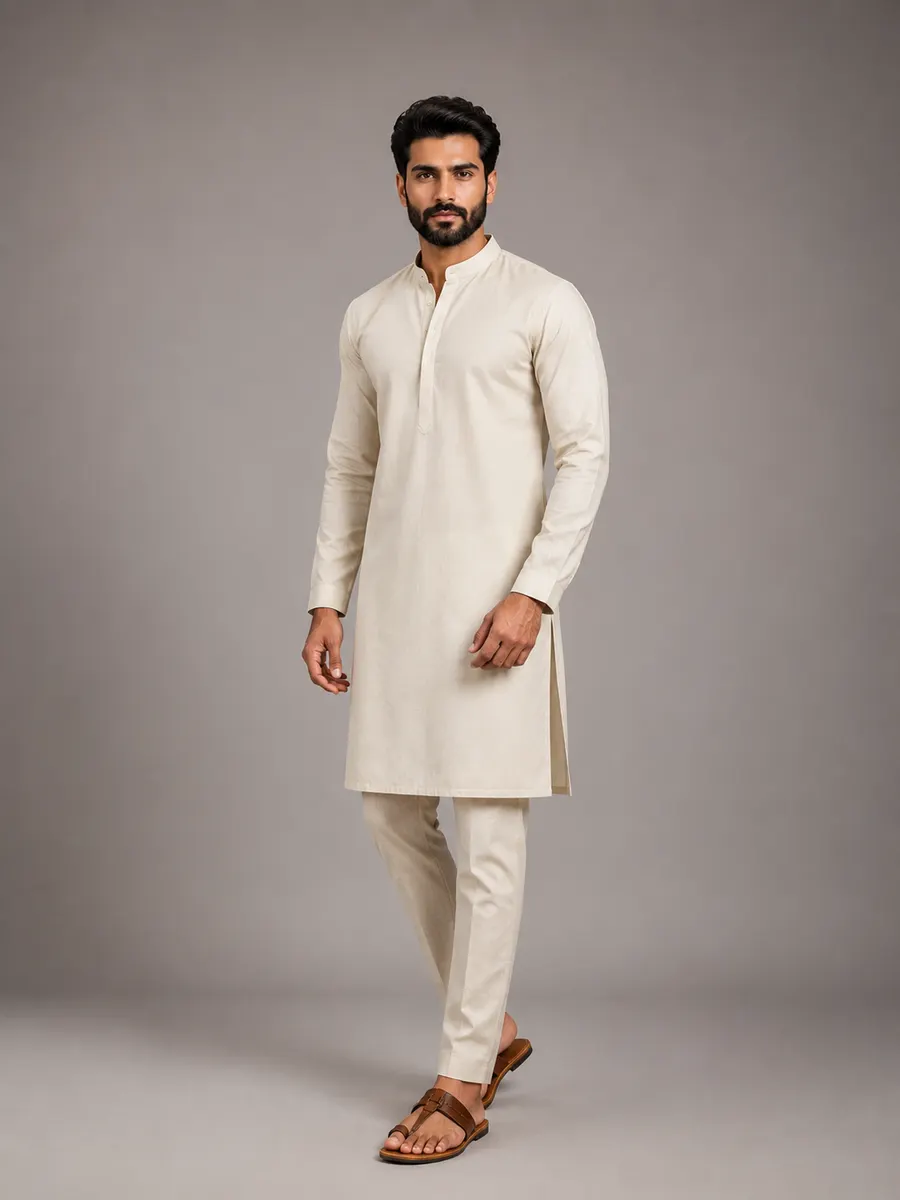
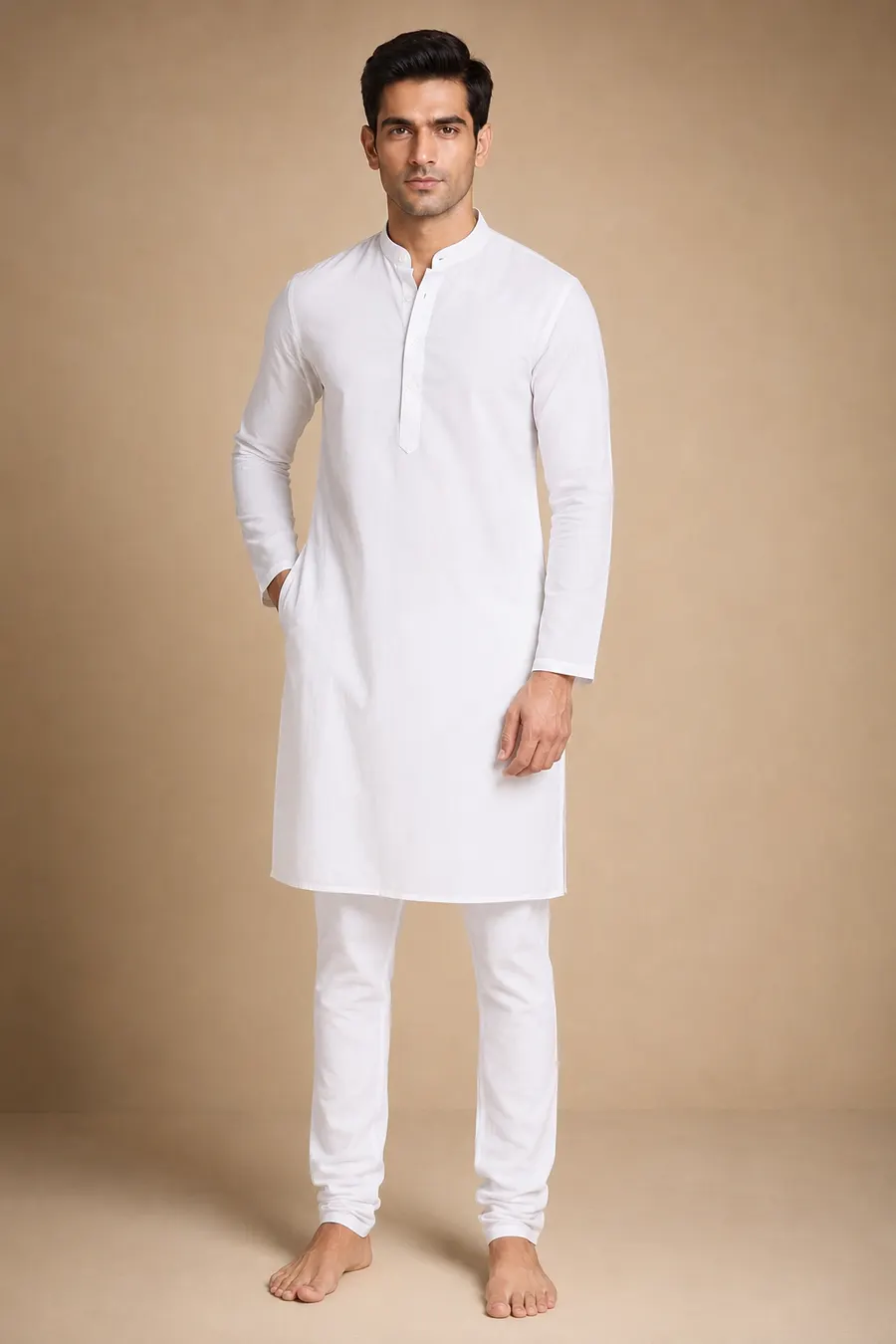
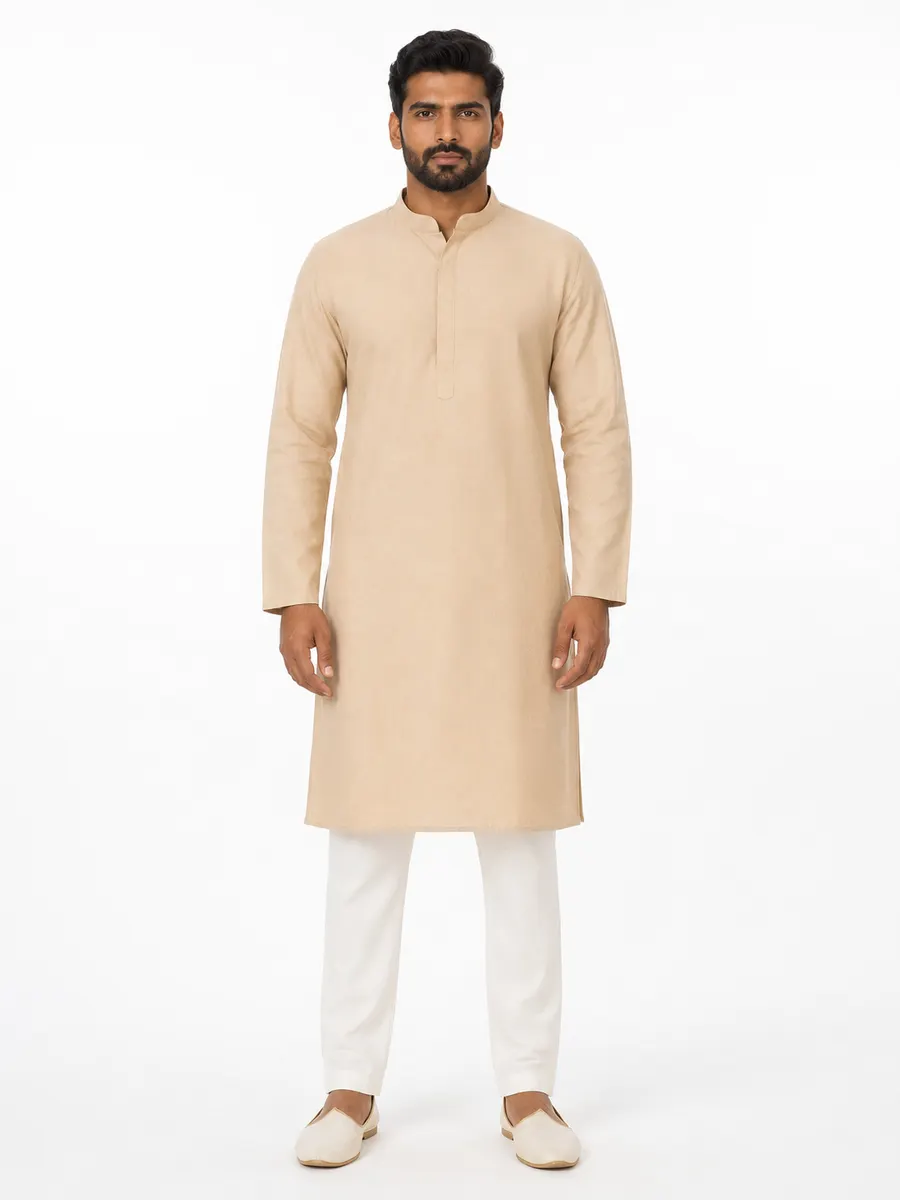
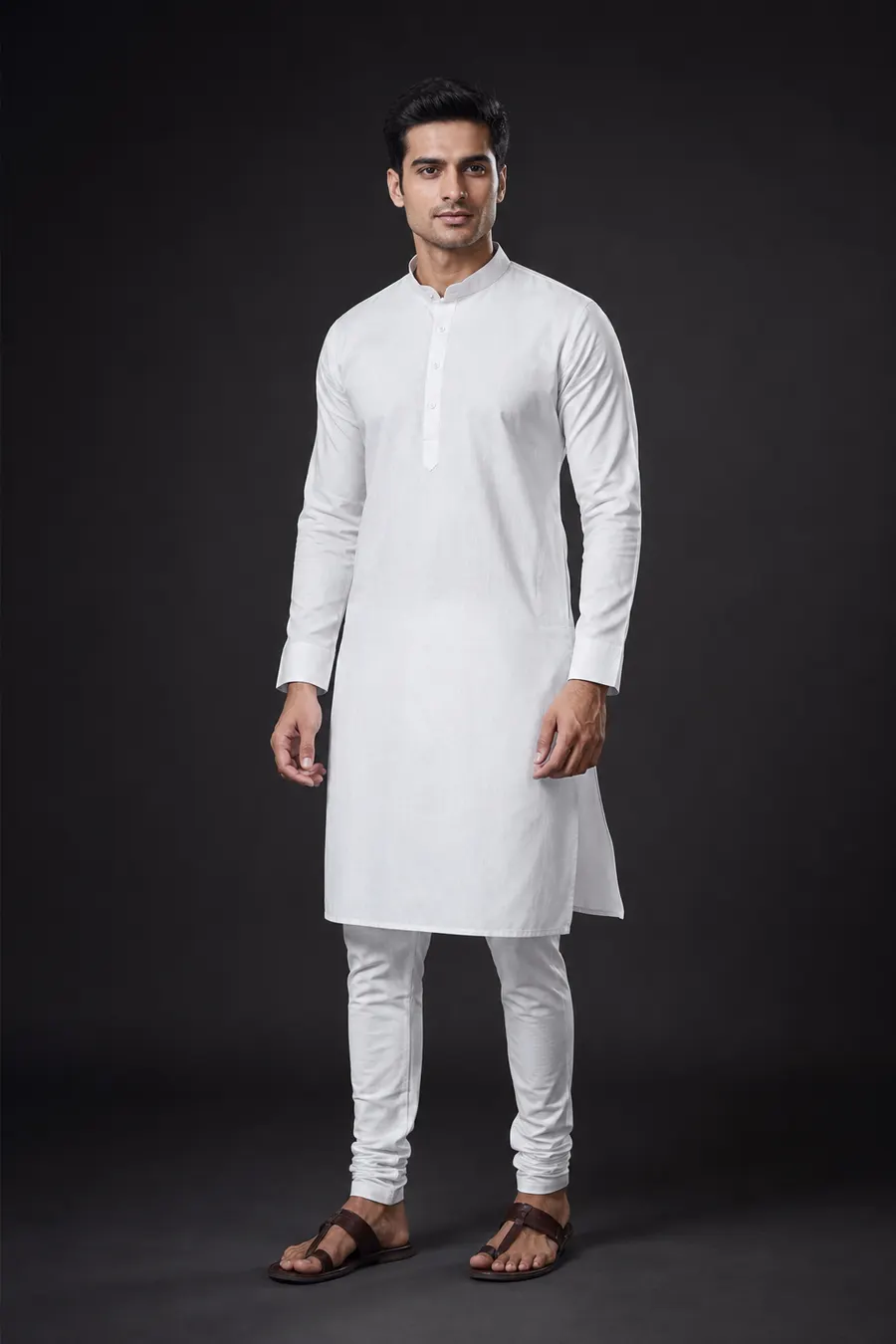
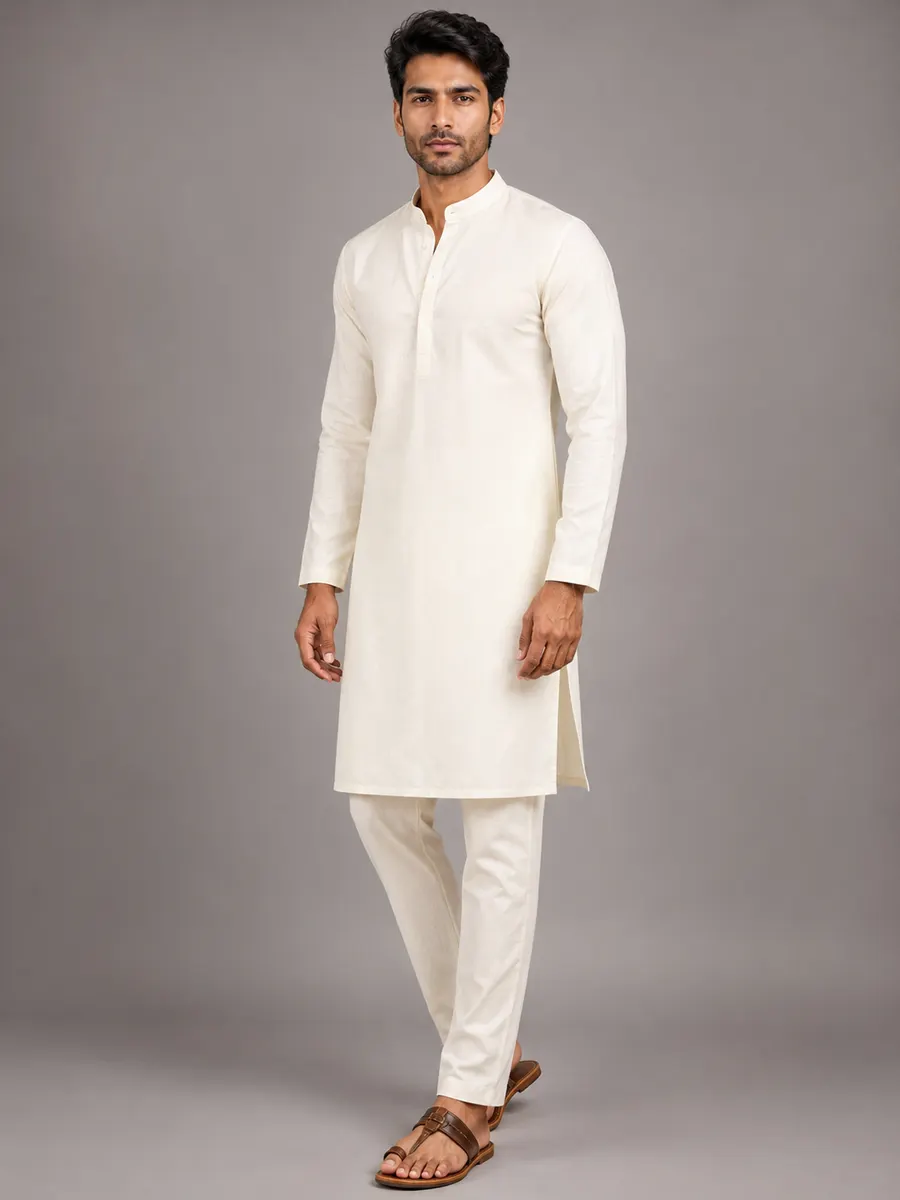
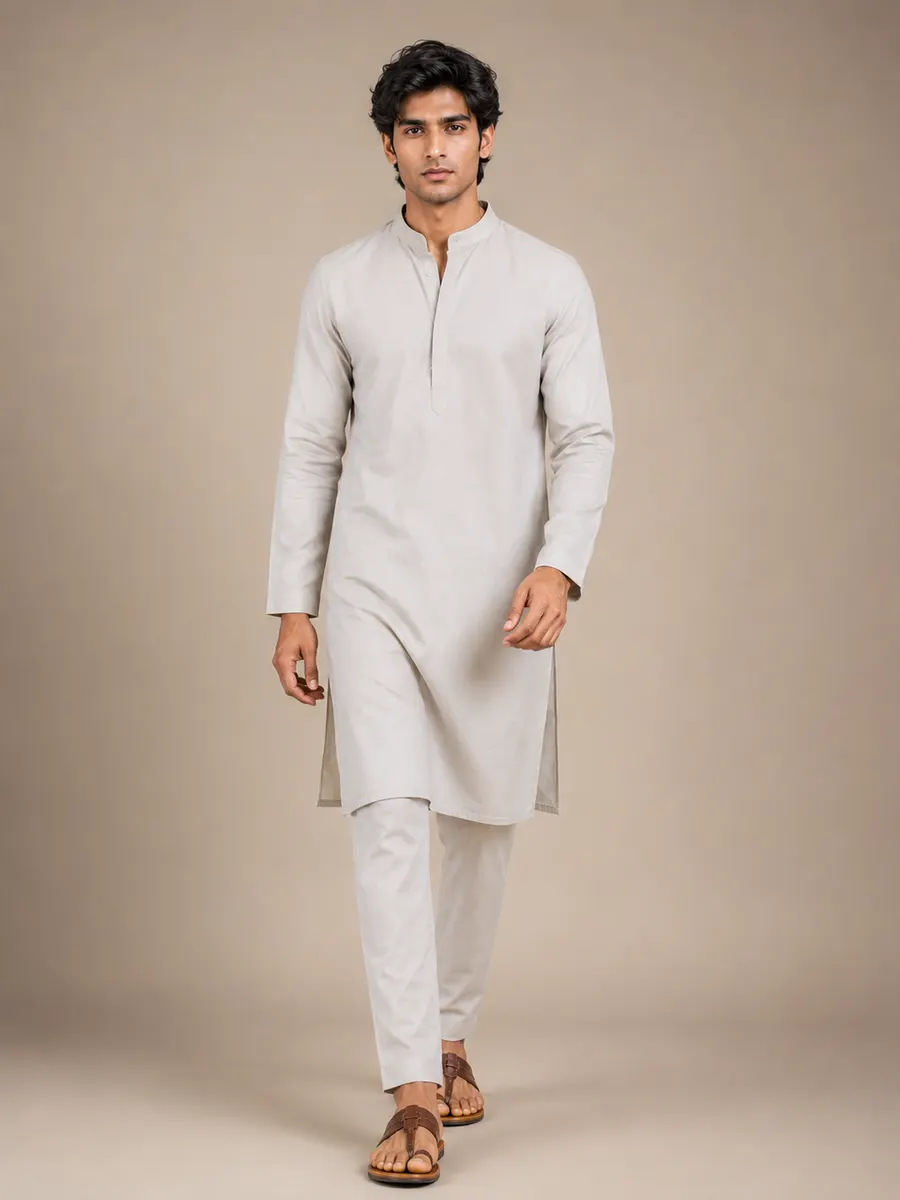
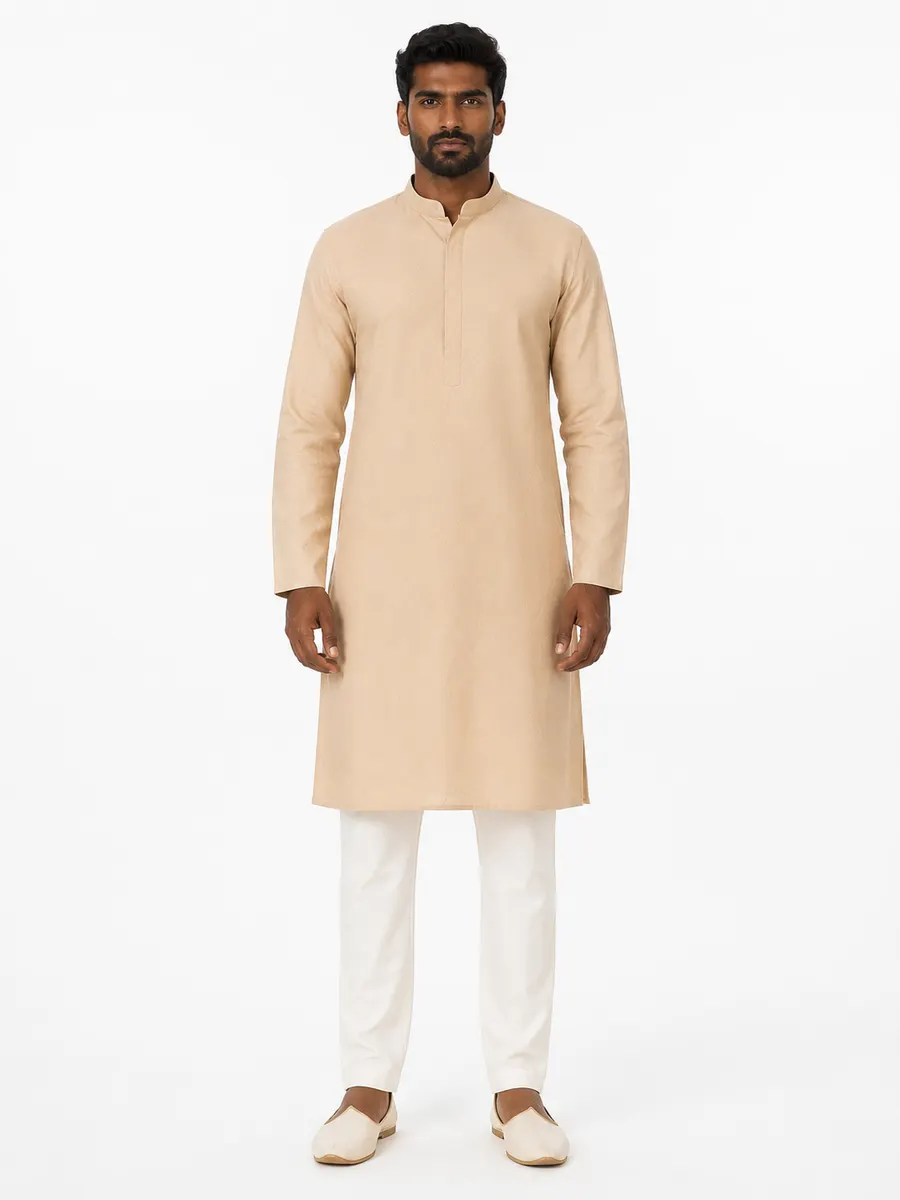
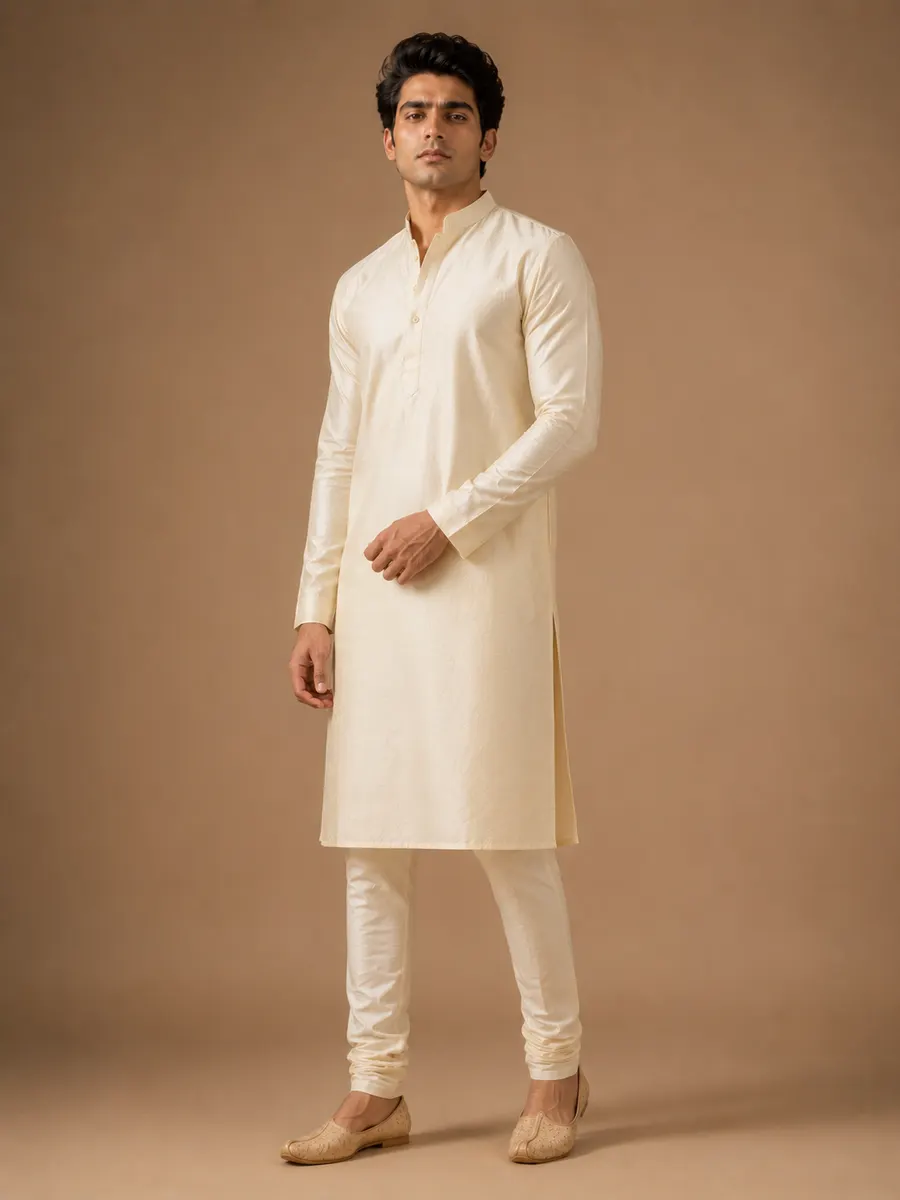
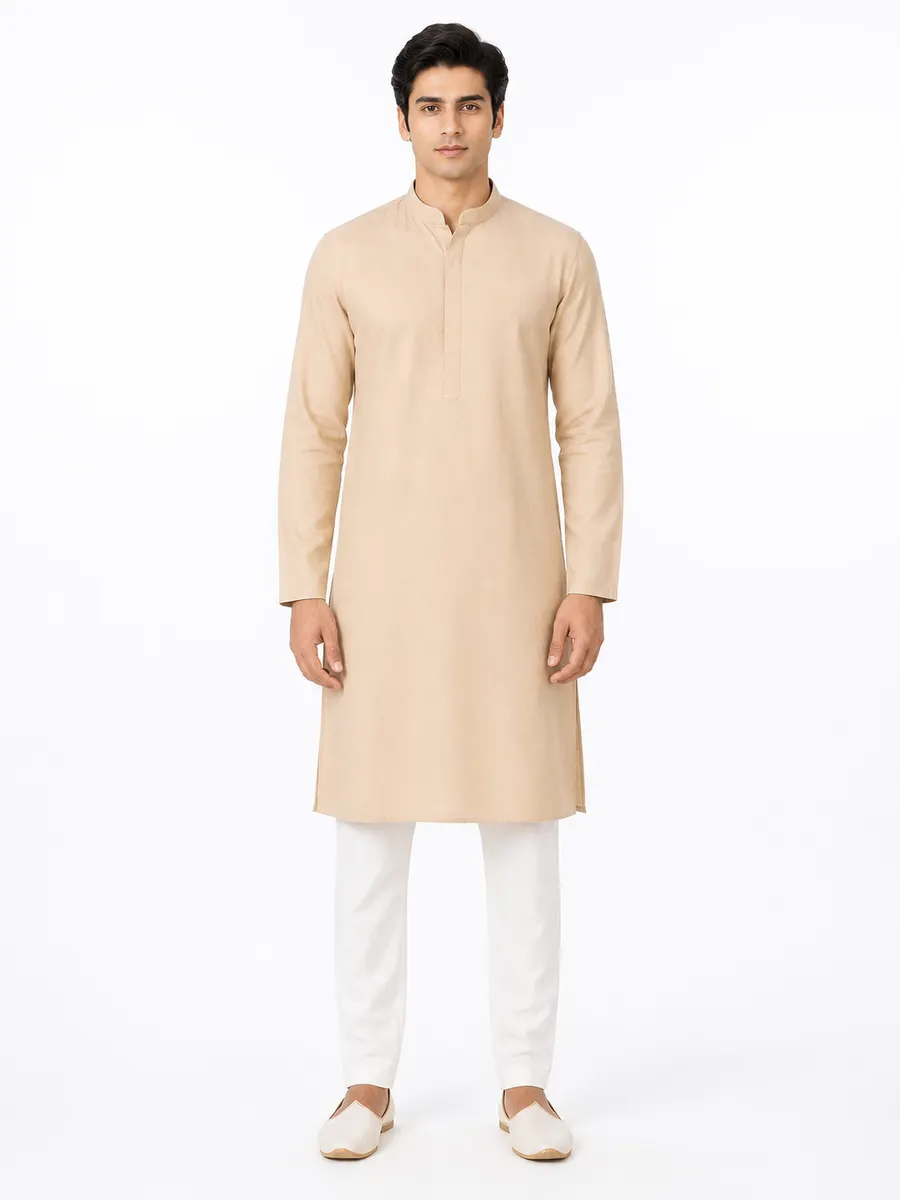
Example output grid. All figures are AI-generated, not photographs of real people.
What is bulk generation in AI fashion photography?
Bulk generation produces many photographs from a single job rather than one at a time. You choose a fabric, a garment type and a casting, then select several poses, several backgrounds and several colourways; the system generates every combination.
The reason to do it this way is not speed alone. Everything you didn’t vary is held constant across the whole batch — the same garment construction, the same model, the same lighting — so the images belong together. That is the difference between a catalog and a folder.
What multiplies
Three axes, one job
Each selection you add multiplies the output, so a small set of choices produces a large, coherent shoot.
Poses
Backgrounds
Colourways
Colour variants
Show a design in shades you haven't dyed yet
For a manufacturer this is the most commercially useful thing on the page: demand testing without a fabric commitment.
A colour variant asks the generator to reproduce the same garment — the same cut, motif and drape instructions — in a different colourway. The practical use is testing: put four shades of the same kurti in front of a buyer or on your Instagram story, see which one gets the response, and cut fabric for that one.
Ten preset shades ship with the product, and you can add your own by name and hex value so a house colour stays consistent across seasons.
The honest caveat: a generated colourway is a design mock-up, not a dye reference. Screen colour and dyed cloth behave differently, and a buyer who approves a shade from a generated image will be disappointed by the lot. Say “mock-up” when you show it.
Preset colourways
- Red
- Navy Blue
- Forest Green
- Royal Blue
- Maroon
- Mustard
- Pink
- Black
- White
- Grey
Plus any custom colour you name and save to your own library.
Mechanics
What happens while a batch runs
Long jobs need to behave well, not just finish.
- Streaming results
- Images appear as each one completes rather than all at the end, so you can judge whether the batch is worth continuing well before it finishes.
- Cancel mid-batch
- Cancelling stops further batches from starting; the batch already in flight finishes rather than being aborted. Credits for images never generated are refunded.
- Partial-failure refunds
- If some images in a job fail, the shortfall is refunded automatically. You are charged for photographs you actually received.
- Free retries
- A failed job can be retried without spending credits again, within a per-job limit.
- Finish notifications
- Browser notifications can tell you when a long job completes, so a forty-image run doesn't need supervising.
- Keep what works
- Every image in the run is generated at 2K, and results are reviewed one at a time rather than accepted as a block. Group the keepers with the catalog maker.
Bulk is where the per-photo price matters
Credit packs get cheaper per photo as they get larger, and credits never expire — so a manufacturer photographing a full range pays materially less per image than someone generating one listing. Compare the packs.
Questions
Bulk and colour-variant questions
How many images can one job produce?
Do I have to wait for the whole batch to finish?
Is a generated colour variant accurate enough to sell from?
Can I keep the same model across every design in a collection?
What happens if some images in a batch fail?
Photograph the collection, not the garment.
Start with two free credits and put a real design through two poses — or two colourways — before you scale the run up.
Run a bulk shoot2 free credits on signup. No card needed.
Keep reading
AI fashion models
Pick a model, body type, pose and background — or upload your own.
OpenFor manufacturers & wholesalers
Design numbers, MOQ, rate cards and buyer lookbooks at catalog scale.
OpenCatalog & PDF lookbook
Group designs into a catalog, export a PDF, share a private link.
OpenPricing
One-time credit packs. No subscription, no expiry.
Open