Same kurta · four models
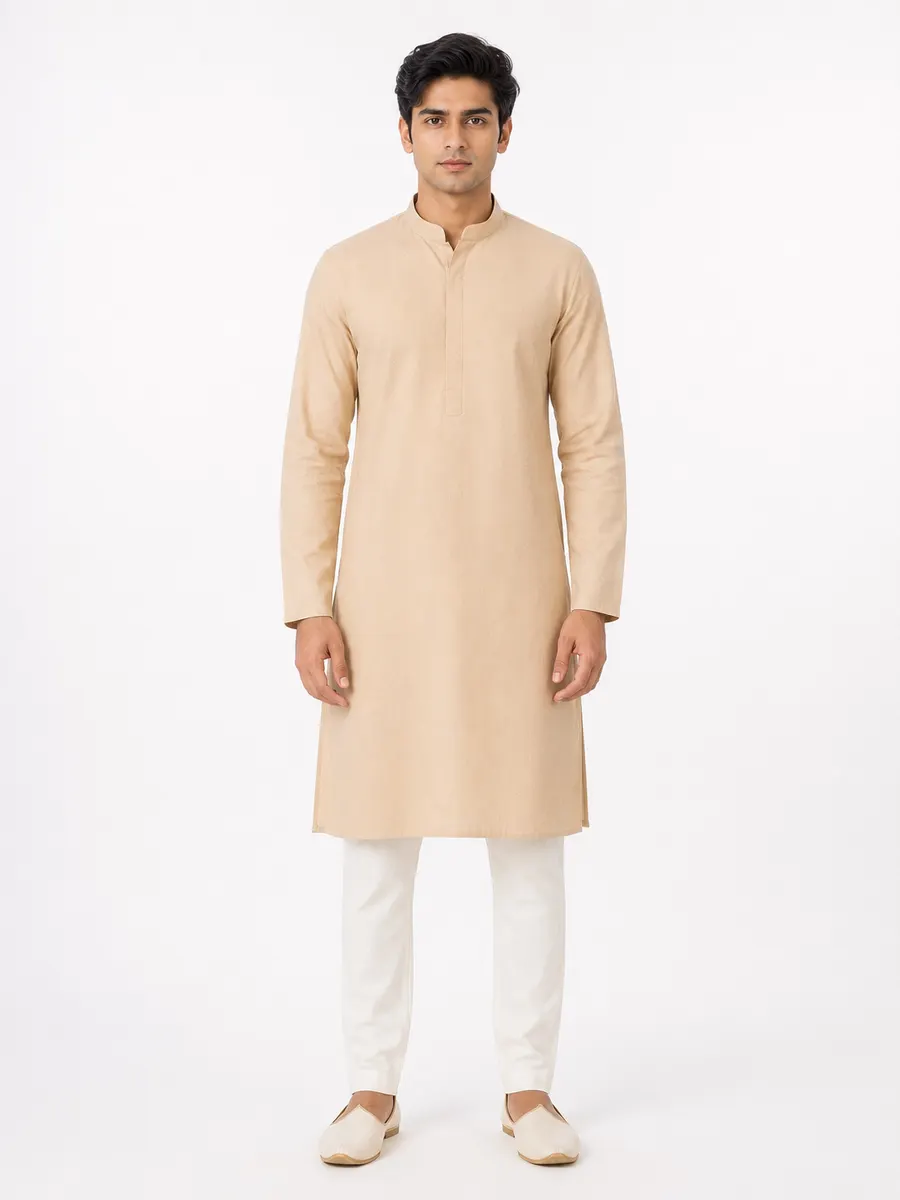
Arjun
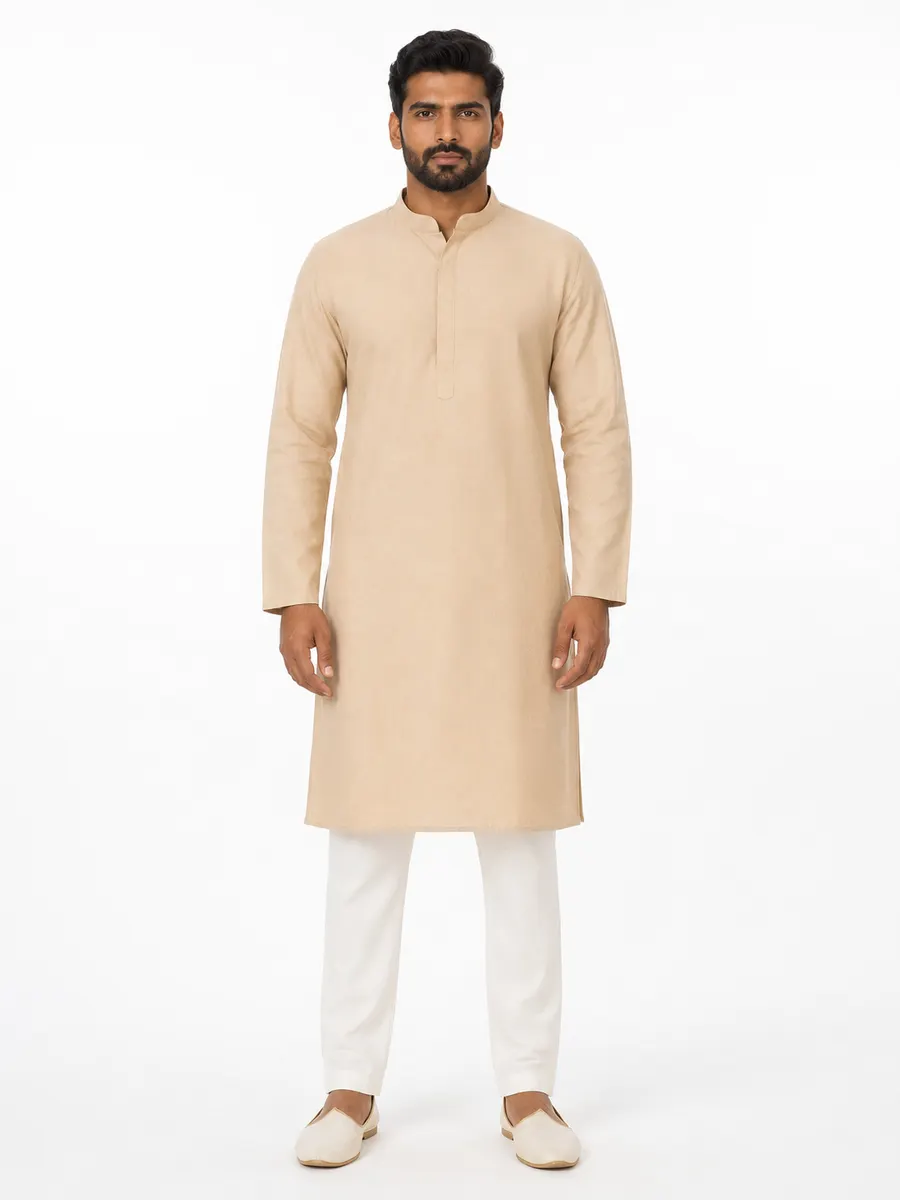
Kabir
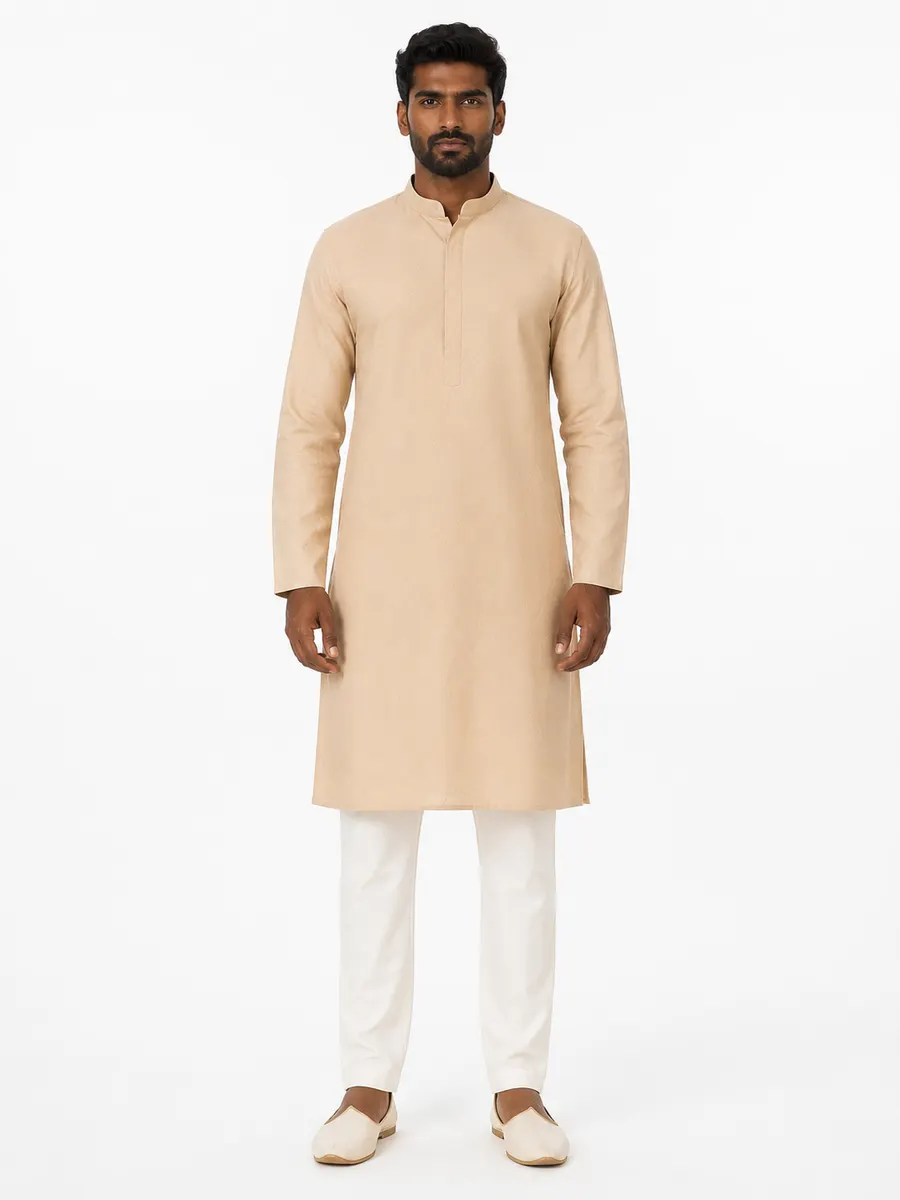
Dev
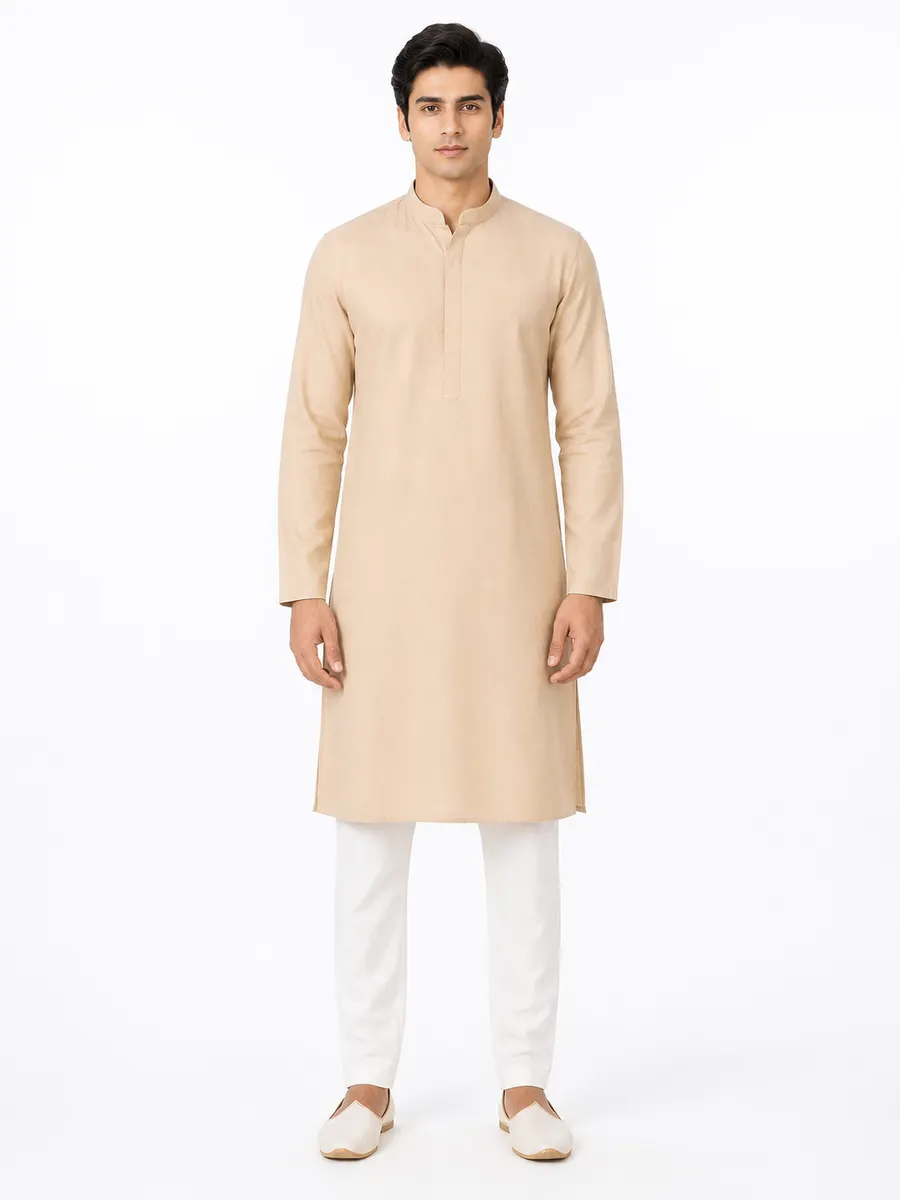
Rohan
One fabric upload, one garment type, one background — only the model changes. All figures are AI-generated.
What is an AI fashion model?
An AI fashion model is a generated human figure used to display a garment in a photograph. Nobody is booked, nothing is scheduled, and the same figure can be used again next week for a different design — which is what makes a consistent catalog possible for a business that could never afford to re-book the same model twelve times.
In Vastram Studio the model is one of four selections you make per job: model, body type, pose and background. Each can come from the studio library or from your own private uploads, and a combination you like can be saved as a preset and applied to every future generation.
What you control
Four independent choices
They're separate on purpose: changing the background shouldn't change the face, and changing the pose shouldn't change the fit.
Model
Body type
Pose
Background
Studio library
What's available without uploading anything
Models
The same garment, the same studio, different faces.
Arjun
Kabir
Dev
Rohan
Backgrounds
Same model, same garment — only the room changes.
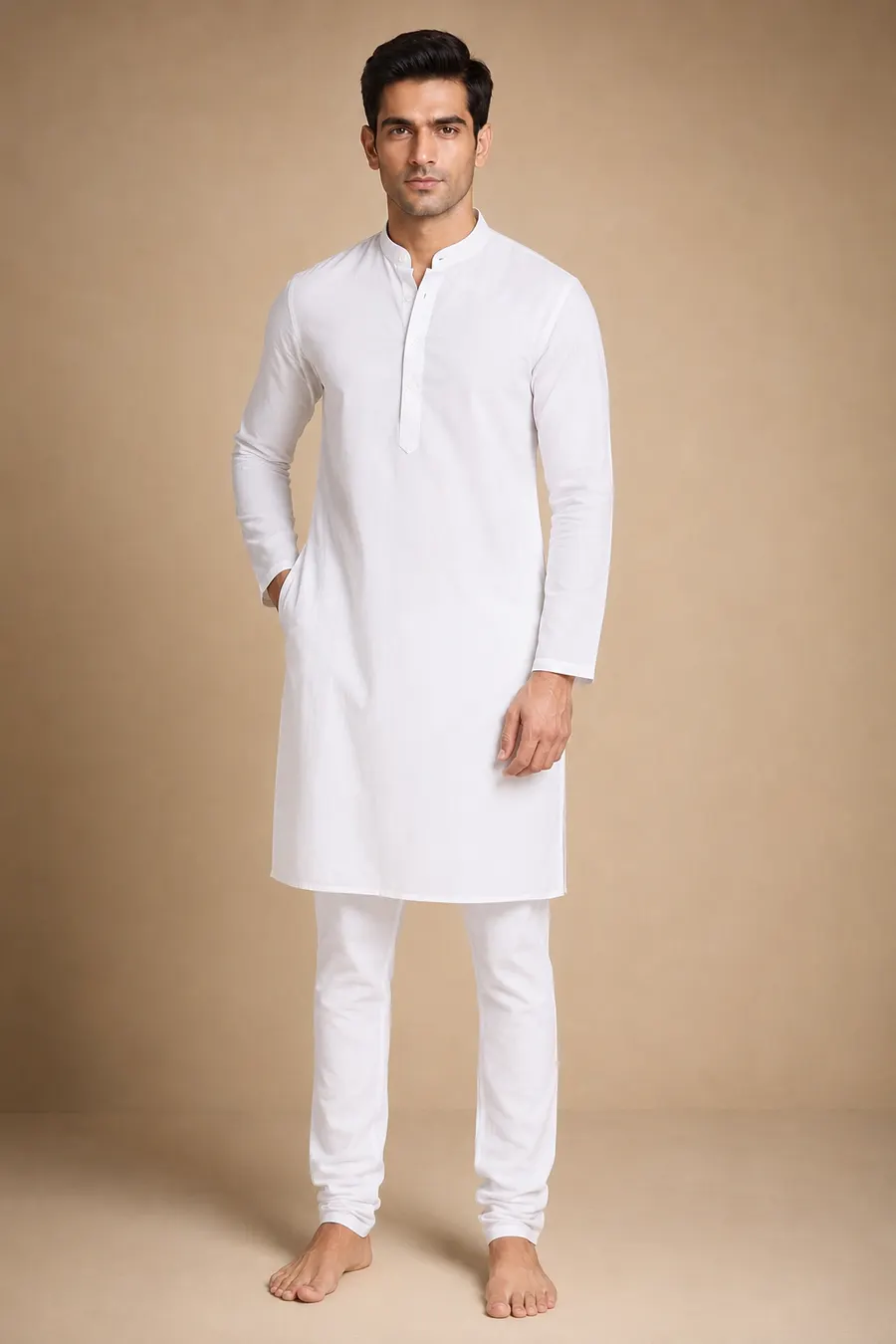
Warm Beige
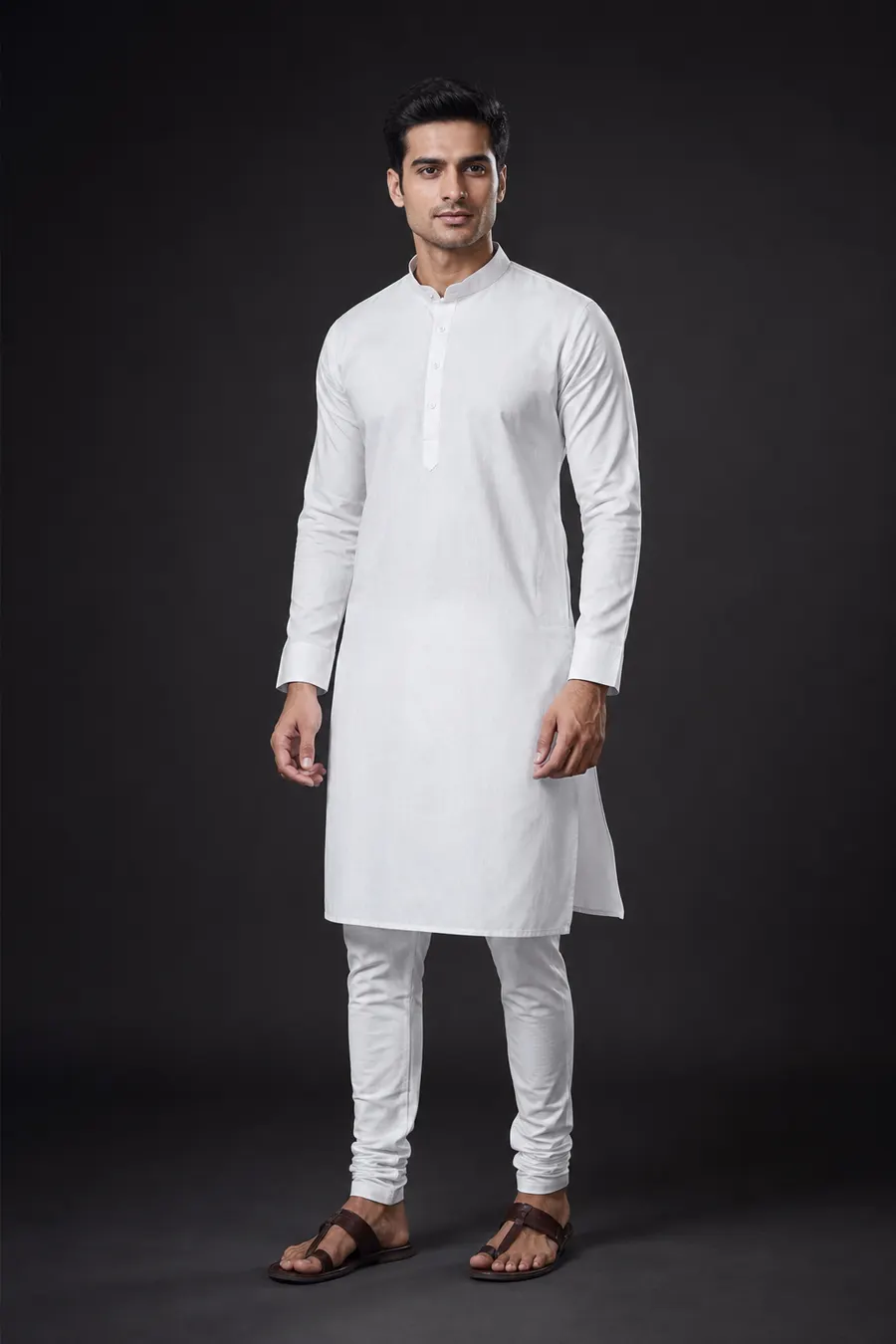
Dark Studio
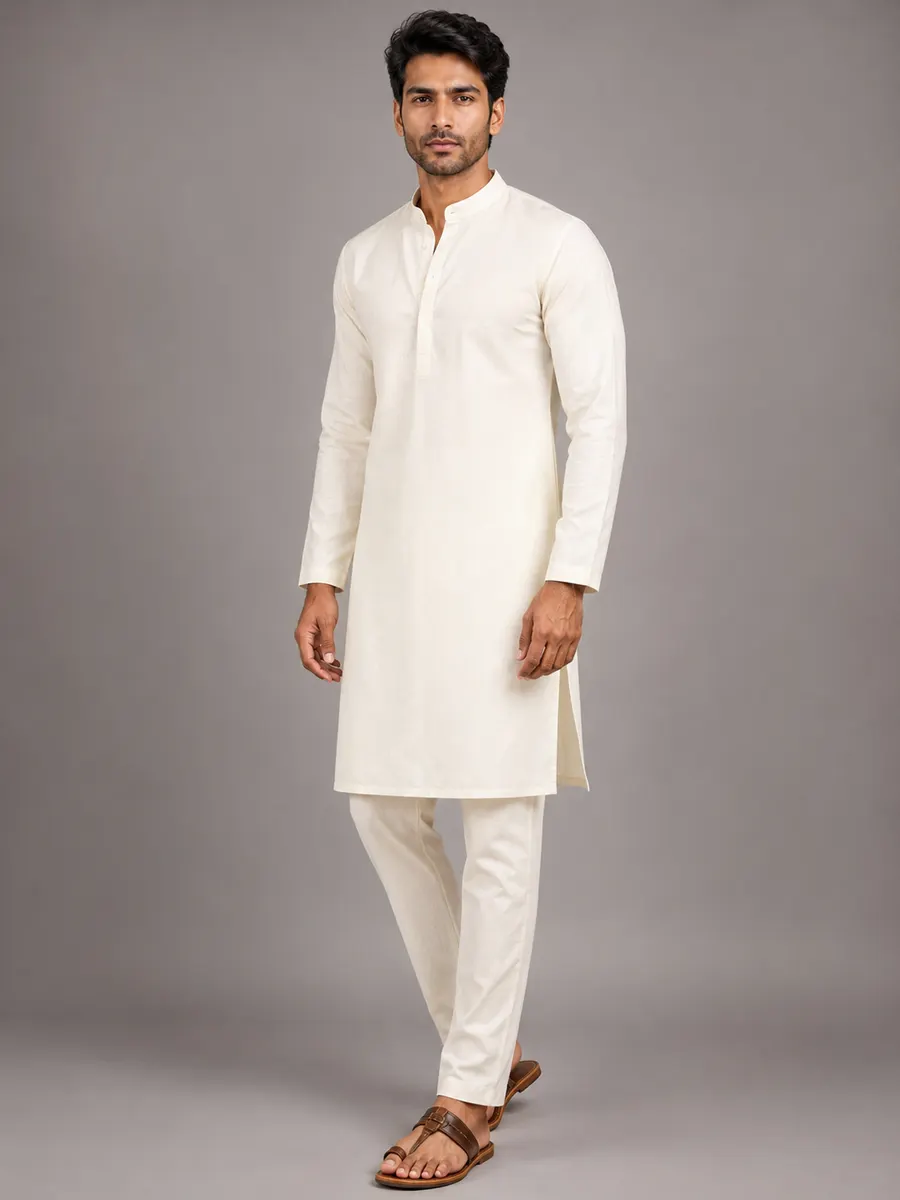
Soft Grey
Studio White
Poses
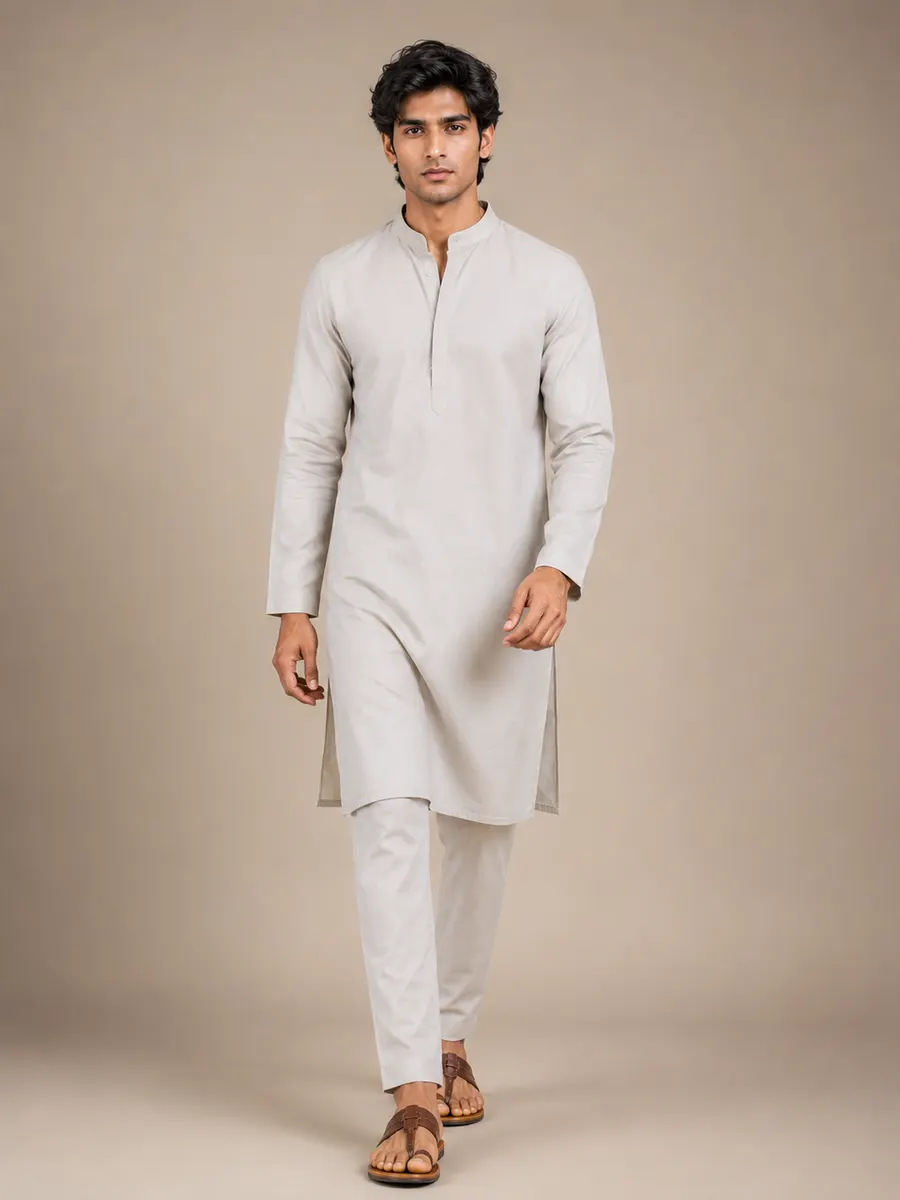
One garment, several framings and stances.
Front
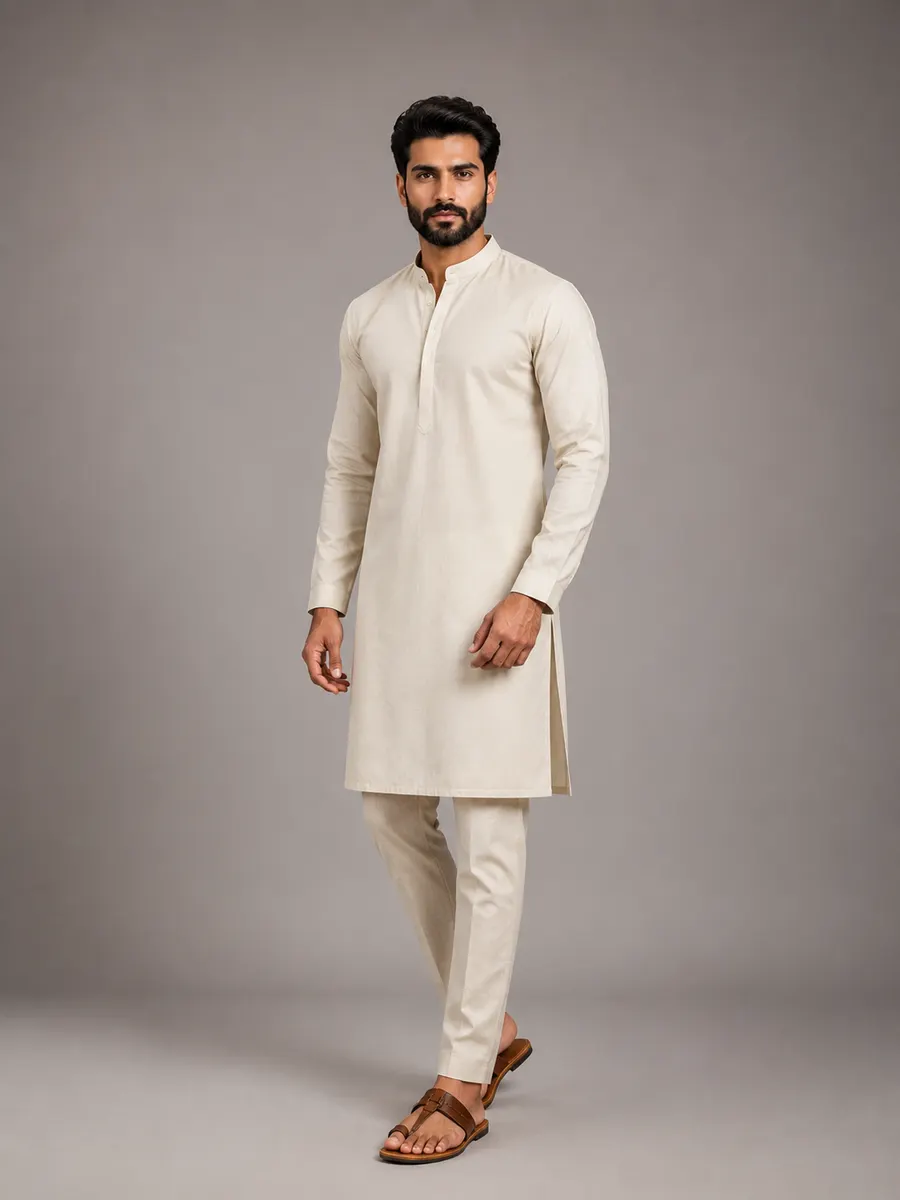
Walking
Candid
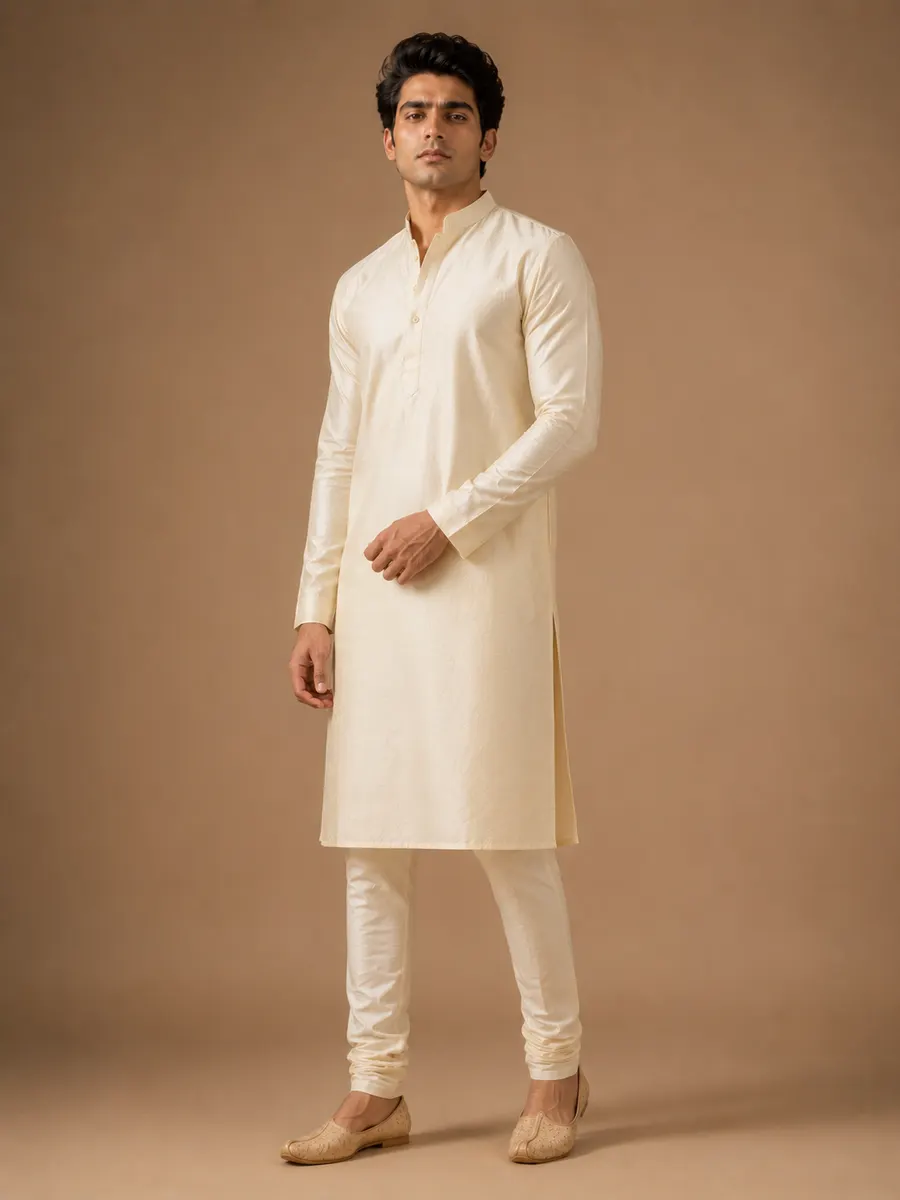
Three-quarter
All images shown are AI-generated examples produced by Vastram Studio. They depict generated figures, not photographs of real people.
Private library
Bring your own model, pose or background
The studio library gets you started. A brand that wants a recognisable look needs its own.
Every account has a private asset library for models, poses and backgrounds. Upload a reference once, give it a name, and it sits in your quick-select row next to the studio options — pinned if you use it constantly, or filed in the full library if you rotate through a few.
Three things this changes in practice:
- Consistency across a season. One face, one body type and one background across forty designs is what turns a product feed into a brand.
- Your own set. If you shoot in a particular room, on a particular backdrop, or against a particular wall, upload it once and every generated photo matches your existing library.
- Specific stances. A pose reference pins posture far more precisely than any written description — useful when a garment only reads correctly at a particular angle.
- Asset types
- Models, poses and backgrounds, each with its own library and quick-select row.
- Privacy
- Uploaded assets are scoped to your account. They are not shared into the studio library or shown to other sellers.
- Reuse
- Pin the ones you use daily; rename or delete any of them later without affecting images already generated.
- Presets
- Save a full combination — model, body type, pose, background and branding — and apply it to future jobs in one tap.
Use it with bulk generation
A pinned model plus bulk generation is how a forty-design collection gets photographed in one sitting without drifting in look between the first design and the last.
Questions
Model and casting questions
Are the models real people?
Can I use the same model across my whole catalog?
Can I upload my own model, pose or background?
What body types are available?
How do poses work — do I describe them or pick them?
Pick a model once. Use it all season.
Two free credits on signup — enough to test a casting before you commit to it.
Start casting2 free credits on signup. No card needed.
Keep reading
Five-angle product shots
Front, both sides, back and a detail shot of the same garment.
OpenBulk & colour variants
One upload, a whole collection — including colourways you never cut.
OpenFor fashion & D2C brands
One consistent house look across every listing and every season.
OpenFabric to model
Turn a flat length of cloth into a stitched garment on a model.
Open