You upload
- Colour, texture and motif read from the cloth
- Cut to saree construction rules
- Photographed on your chosen model
You get
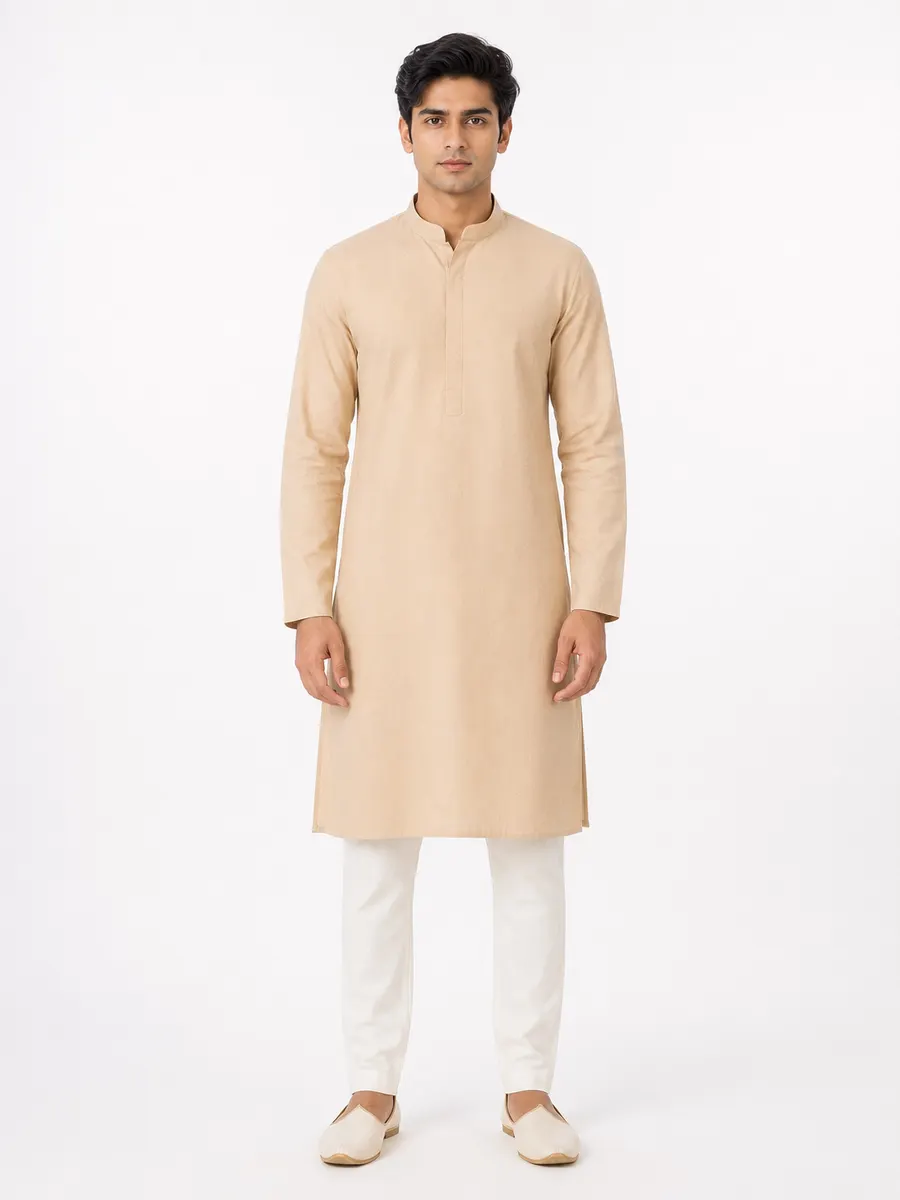
Example output. Generated figure, not a real person.
How does AI generate a saree photo from fabric?
A saree is a single unstitched length of cloth. That makes it the hardest Indian garment for an image generator to get right, because there is no pattern to cut: the garment is defined entirely by how the fabric is arranged on the body. Most AI tools treat it as a texture to wrap, which produces a photo where the border runs in the wrong direction and the pallu is decorative rather than structural.
Vastram Studio generates against a drape description instead. The saree body is wrapped once around the lower body and secured at the waist; a fan of even front pleats falls straight to the floor; the pallu is carried over the left shoulder and hangs down the back. The border sits along the lower edge of the drape and down the leading pleat edge, because that is where it already sits on the cloth you uploaded.
The hard part
Where saree photos usually go wrong
These are the failures a buyer notices before they notice anything else — and the reason a generic image tool isn't enough for garment work.
The pallu carries the decoration
Pleats are structural, not folds
The blouse is a separate garment
Construction
How Vastram Studio drapes a saree
The saree is the one garment in the library classified as draped rather than stitched, and it gets its own arrangement instructions:
- The saree body wrapped once around the lower body and secured at the natural waist.
- A fan of even, crisp front pleats at the centre, falling straight to the floor.
- The pallu draped over the left shoulder and hanging down the back, carrying the densest decoration.
- The drape following the hip line, with pleat count and depth adjusted to the model's figure.
- A fitted, short-sleeved blouse in a solid tone drawn from the textile's own border or secondary colour.
Where the detailing lands
- Border placement
- Along the lower edge of the drape and down the leading pleat edge, with the decorated pallu end falling over the shoulder — not duplicated elsewhere or wrapped around the body.
- Motif handling
- The generator is instructed to keep motifs at true reference scale and orientation, and not to convert a woven or printed motif into embroidery or invent decoration the cloth doesn't have — so a Banarasi zari border is meant to stay a woven border. As with any AI generation, results can vary; check the output against your reference.
- Drape behaviour
- Pleats hold their fold and fall vertically; the pallu hangs softly. A light georgette flows and clings, a heavy Kanjivaram holds sculpted folds. The generator follows what the reference weight suggests.
- Fit across figures
- The drape adapts to the model's figure through pleat count and depth and how the fabric follows waist and hip, while the blouse is fitted to the actual bust and torso with natural ease.
Workflow
From cloth to saree catalog in four steps
- 1
Upload one reference
Photograph the saree laid out so both the body field and the border are visible in one frame, ideally including part of the pallu. Neutral daylight, no flash on silk — specular glare on zari is the most common cause of a washed-out generated border.
- 2
Choose saree and a model
Pick the garment type, model type and body type, then a pose and a background from the studio library — or upload your own model, pose or background to reuse across the season.
- 3
Generate the set
Ask for several poses, backgrounds and colourways in one job. Images arrive as they finish rather than all at once, so you see the first result before the whole batch is done.
- 4
Brand, group and share
Add your logo, design number and rate, group the results into a catalog, export a PDF, or send a private lookbook link on WhatsApp.
Output
What a saree shoot gives you
- Front and three-quarter drape shots showing pleats, pallu and border in one frame.
- The same saree on several model types, useful for wholesale buyers choosing across a rack.
- Studio white for marketplace listings; warm and dark studio sets for festive and campaign posts.
- A pallu detail frame — the shot buyers actually zoom into on a silk or zari saree.
One credit, one photo
Every image costs one credit, and credits never expire. There is no subscription and no per-seat charge — see pricing for the current packs.
Every image is delivered in the shape you need
The same generated photo downloads as an Instagram feed crop, a story frame, a marketplace listing, a website or PDF image, or a square post — resized on the way out rather than cropped by hand.
Marketplace listing
3:4
Instagram feed
4:5
Story & WhatsApp
9:16
Website & PDF
2:3
Square post
1:1
More on choosing between them in the image-sizes guide.
Questions
Saree photoshoot questions
Can it handle silk, georgette and cotton differently?
Will it invent embroidery or zari that isn't on my saree?
What blouse will the model be wearing?
Can I show the same saree in other colours?
Your next saree shoot starts with one photo of the cloth.
Sign up, upload a reference, and see the first result before you spend anything.
Create your saree photoshoot2 free credits on signup. No card needed.
Keep reading
Fabric to model
Turn a flat length of cloth into a stitched garment on a model.
OpenAI lehenga photoshoot
Three garments cut from one cloth: lehenga, choli and dupatta.
OpenShooting fabric for AI
How to photograph cloth so the generated garment matches it.
OpenFor manufacturers & wholesalers
Design numbers, MOQ, rate cards and buyer lookbooks at catalog scale.
Open